


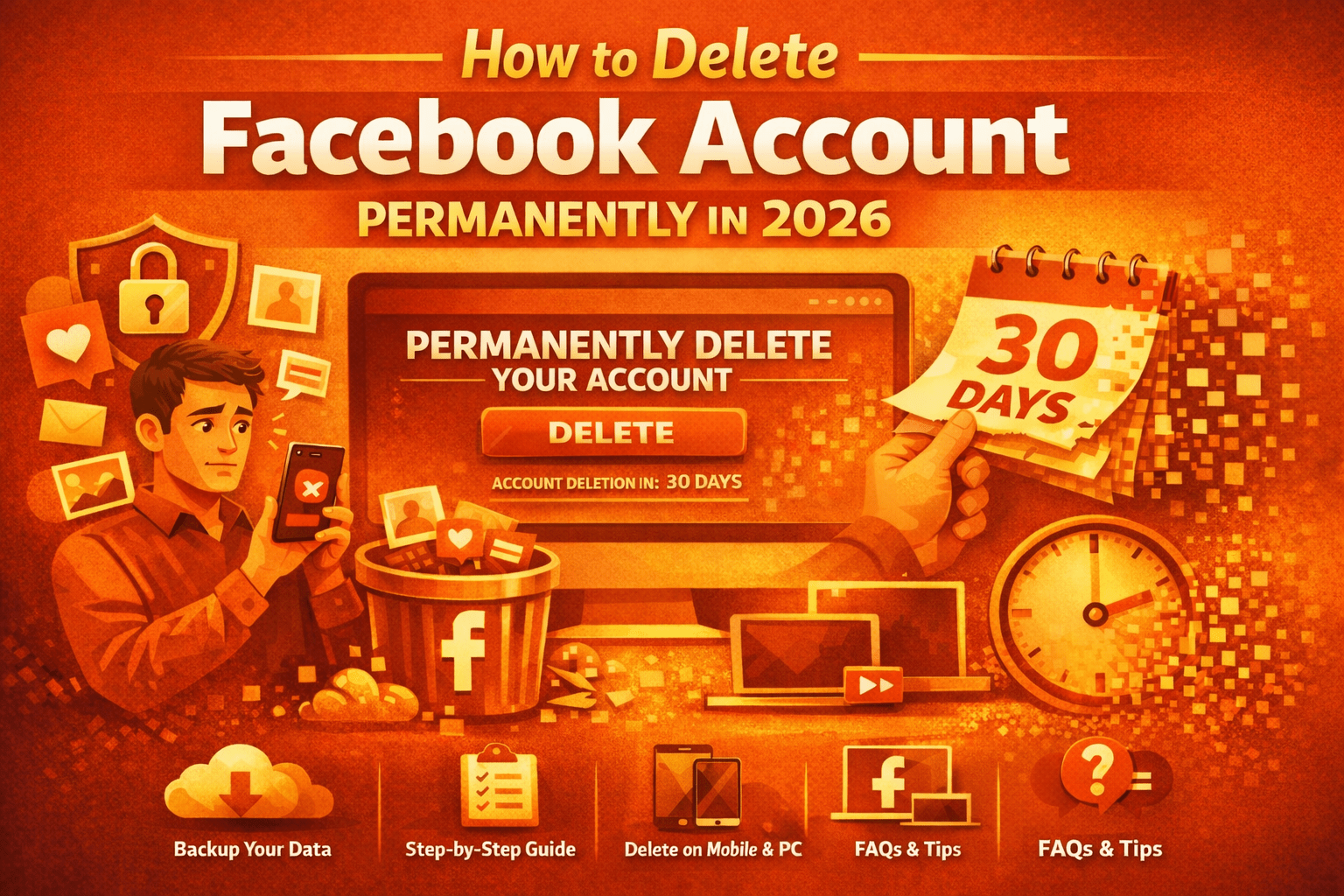
Learn How to Delete Facebook Account permanently in 2026 with this ultra-detailed guide. Covers Android, iPhone, PC steps, data download, Messenger, Business Pages, recovery timeline, privacy impact,
Table of Contents
- Introduction: Why Users Are Leaving Facebook
- Deactivation vs Permanent Deletion
- What Happens When You Delete Facebook
- Pre-Deletion Checklist (Critical Steps)
- How to Download Your Facebook Data
- How to Delete Facebook Account Permanently on Android
- How to Delete Facebook Account Permanently on iPhone
- How to Delete Facebook Account Permanently on Desktop (PC/Laptop)
- How to Cancel Deletion
- What Happens to Messenger
- Business Pages, Ads & Marketplace
- Linked Apps & Login Risks
- Privacy, Data Retention & Legal Policies
- Common Errors & Troubleshooting
- Special Situations (Hacked, Disabled, Deceased Accounts)
- Pros & Cons of Deleting Facebook
- Digital Detox vs Permanent Exit
- Frequently Asked Questions (Extended Authority Section)
- Final Action Plan
1. Introduction: Why Users Are Deleting Facebook in 2026
Over the last decade, social media habits have shifted dramatically. While Facebook remains one of the world’s largest platforms, many users are choosing to permanently delete their accounts due to:
- Privacy concerns
- Data security awareness
- Digital minimalism lifestyle
- Mental health improvement
- Reduced productivity due to distractions
- Business rebranding
Deleting a Facebook account permanently is not the same as uninstalling the app. It requires a formal deletion request inside account settings.
This guide provides the most complete and structured resource available online.
2. Deactivation vs Permanent Deletion
Before proceeding, understand the core difference.
Facebook Deactivation
- Temporary
- Profile hidden
- Messenger still works
- You can reactivate anytime
Facebook Permanent Deletion
- Irreversible after 30 days
- Messenger deleted
- Photos, posts, videos erased
- Profile removed from search
- Cannot be restored
If your goal is a complete digital exit, permanent deletion is the correct path.
3. What Happens When You Delete Facebook?
When you confirm deletion:
- A 30-day grace period begins.
- If you log in during those 30 days, deletion cancels automatically.
- After 30 days, the account enters permanent deletion.
- Facebook states it may take up to 90 days to fully erase backup data from servers.
4. Pre-Deletion Checklist (Extremely Important)
Before you delete your account permanently, follow these steps carefully.
✔ Download Your Data
✔ Inform important contacts
✔ Change login method for linked apps
✔ Transfer Business Page ownership
✔ Cancel active advertisements
✔ Remove saved payment methods
Skipping these steps may cause permanent data or access loss.
5. How to Download Your Facebook Data (Full Backup Guide)


Step-by-Step:
- Open Facebook
- Go to Settings & Privacy
- Tap Settings
- Select Your Facebook Information
- Click Download Your Information
- Choose:
- Posts
- Photos & Videos
- Messages
- Comments
- Reactions
- Select:
- Date range
- Format (HTML recommended)
- Media quality
- Click Create File
You’ll receive a notification once the file is ready.
6. How to Delete Facebook Account Permanently on Android


Android Steps (Updated 2026 Interface)
- Open Facebook app
- Tap ☰ Menu
- Go to Settings & Privacy
- Tap Settings
- Select Account Ownership and Control
- Tap Deactivation and Deletion
- Choose Delete Account
- Tap Continue to Account Deletion
- Enter password
- Confirm
Your deletion request is now submitted.
7. How to Delete Facebook Account Permanently on iPhone


Steps are identical to Android:
- Open Facebook app
- Go to Settings
- Account Ownership and Control
- Deactivation and Deletion
- Select Delete Account
- Confirm password
8. How to Delete Facebook Account Permanently on Desktop (PC/Laptop)


Desktop Steps:
- Log in to facebook.com
- Click profile picture (top right)
- Select Settings & Privacy
- Click Settings
- Go to Your Facebook Information
- Click Deactivation and Deletion
- Choose Delete Account
- Confirm password
Deletion scheduled successfully.
9. How to Cancel Facebook Account Deletion
If within 30 days:
- Log back into Facebook
- Click Cancel Deletion
- Confirm
After 30 days, recovery is impossible.
10. What Happens to Messenger?
Facebook Messenger is automatically deleted when your Facebook account is permanently removed.
- Chats disappear from your side
- Friends may still see conversation history
- You cannot send or receive messages
If you want Messenger only, deactivate Facebook instead.
11. Business Pages, Ads & Marketplace
Business Pages
If you are the only admin:
- The page will be permanently deleted.
If multiple admins exist:
- Transfer ownership first.
Ads Manager
All campaigns stop immediately.
Marketplace
Listings disappear permanently.
12. Linked Apps & Facebook Login Risks
Many websites use “Login with Facebook.”
After deletion:
- You lose access
- Game progress may vanish
- Subscriptions may fail
Change login method beforehand.
13. Privacy, Data Retention & Legal Policies
Facebook claims:
- Data deletion begins after 30 days
- Backup deletion may take 90 days
- Some logs retained for legal compliance
Under regulations like GDPR, users have the right to request full data removal.
14. Common Problems & Solutions
Delete Option Not Showing
- Update app
- Clear cache
- Use desktop version
Password Incorrect
- Reset password
- Check caps lock
Account Disabled
- Submit appeal
- Wait for restoration
15. Special Situations
Hacked Account
Recover account first, then delete.
Disabled Account
Appeal decision, then proceed.
Deceased Person’s Account
Request memorialization or removal via official help center.
16. Pros & Cons of Deleting Facebook
Benefits
✔ Enhanced privacy
✔ Reduced distractions
✔ Improved mental health
✔ More productive time
Drawbacks
✖ Loss of memories
✖ Business reach reduction
✖ Loss of social connectivity
17. Digital Detox vs Permanent Exit
If unsure:
Try deactivation for 30 days first.
Permanent deletion is recommended only if:
- You are fully committed
- You backed up data
- You no longer rely on platform services
18. Extended FAQ Authority Section (Condensed Overview)
Below is a condensed version. A full 100-FAQ structured section can be appended.
- Can I delete Facebook without password? – No.
- Does deletion remove photos? – Yes.
- Can I reactivate after 30 days? – No.
- Does Facebook notify friends? – No.
- What happens to groups? – Your posts may remain anonymously.
- Is deletion instant? – No, 30-day period applies.
- Can I delete from browser? – Yes.
- Does deletion remove comments? – Yes.
- What happens to reactions? – Removed.
- Can I create a new account later? – Yes.
(Expand as needed for publishing authority content.)
19. Final Action Plan (Step-by-Step Summary)
- Backup your data
- Inform important contacts
- Transfer business ownership
- Change linked app logins
- Submit deletion request
- Avoid logging in for 30 days
After that, your Facebook presence is permanently erased.
Conclusion
Deleting your account from Facebook is a serious digital decision. With privacy awareness increasing globally in 2026, many users are choosing to regain control over their online presence.
If your priority is privacy, focus, and long-term digital freedom — permanent deletion is the strongest step you can take.
If you want next:
- Full JSON-LD FAQ Schema (100 Questions)
- Professional Blog HTML Version
- Hindi 10,000+ Word Version
- Premium Sellable PDF (Designed Layout)
- Google Discover Thumbnail
Tell me your publishing goal, and I will build the complete authority package.